User Guide
Get the most out of SeamMagnet
Everything a team member needs to find leads, work the shared pipeline, run outreach, and keep every lead moving — whether you're in the app or inside Zoho CRM.
Sign in and land on your dashboard
Sign up or log in at app.seammagnet.com — or, if your org connected Zoho, open the SeamMagnet tab inside Zoho CRM and you’re signed in automatically, no separate login screen.
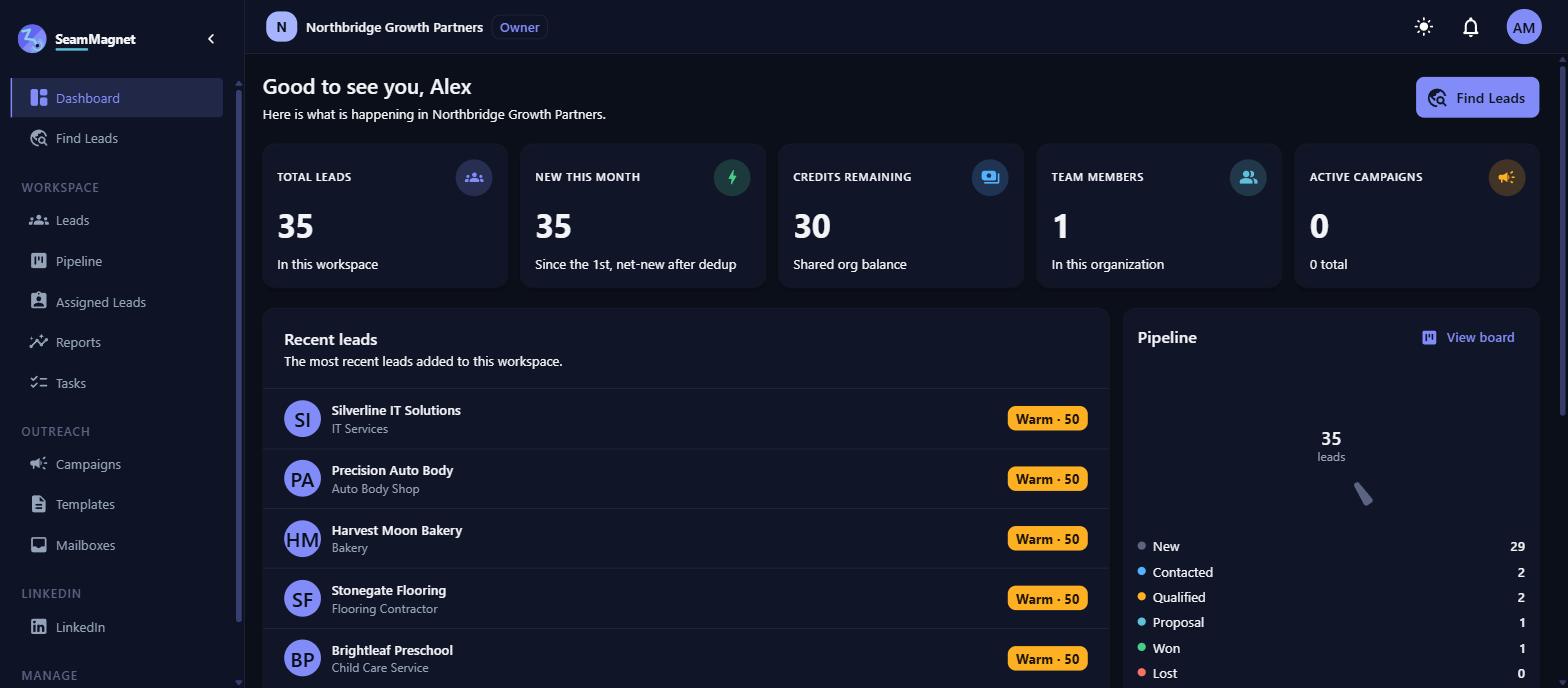
Your dashboard shows total leads, new leads this month, remaining credits, team size, and a pipeline breakdown by stage, plus your team’s most recently added leads.
Search a location and save results straight to your pipeline
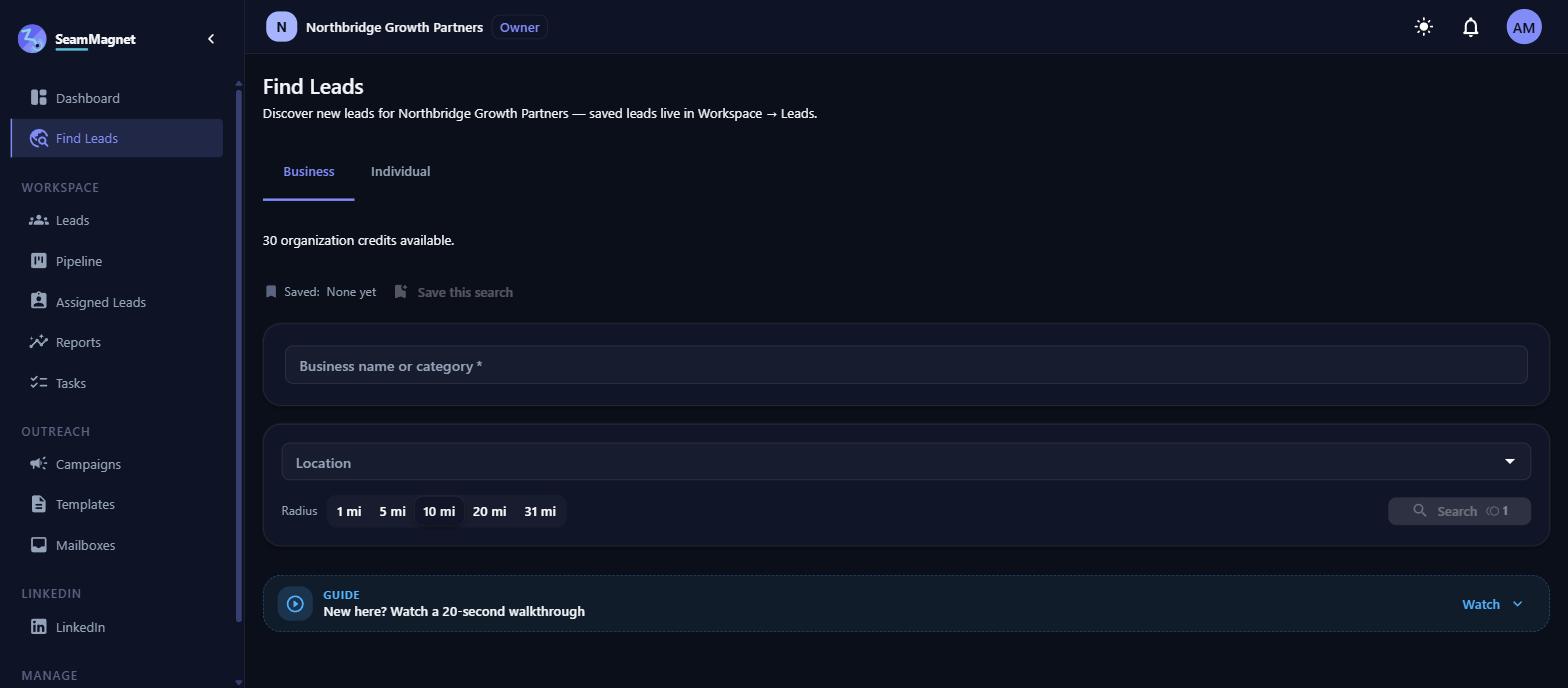
Open Find Leads, set a location, a radius, and a search term, and SeamMagnet queries Google Maps and Apollo together. Matches found on both sources are merged into a single lead, not duplicated.
Every result saves straight into your team’s shared pipeline — searchable and assignable the moment the search finishes, no export file in between.
Work every lead through one shared pipeline
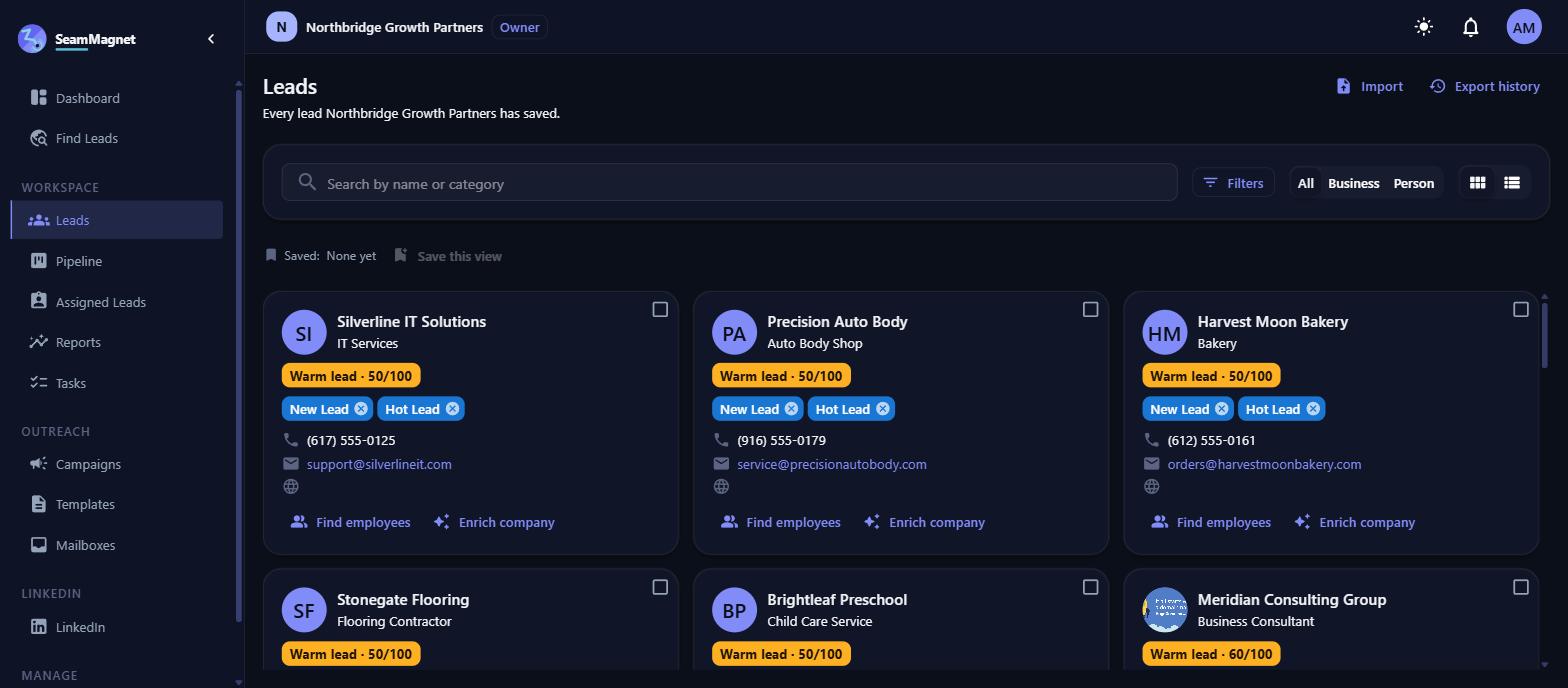
Leads is the whole team’s saved-lead feed — search, filter, and save your own view, so you’re not rebuilding the same filter every morning.
Pipeline shows every lead as a card in a stage column — New, Contacted, Qualified, Proposal, Won, Lost. Drag a lead to a new stage, or move several at once.
Tag a lead, leave a note, or assign it to a teammate — each shows up in the lead’s own activity history.
Fill in the rest without leaving the record
Open any lead and use the enrichment actions on the card — each one is a single click, and the result saves straight onto that lead.
- Find employees at a company domain
- Pull a company's recent reviews
- Enrich a company's logo, LinkedIn, and address
- Auto-extract contact info from a lead's own website
- Enrich a lead straight from LinkedIn
- Connect your mailbox once, in Settings
- Write a reusable email template
- Build a multi-step sequence: email, LinkedIn, or task steps
- A/B test subject lines and copy per step
- Watch opens, clicks, and replies roll in
Run a campaign from inside the pipeline
From Campaigns, build a sequence and enroll leads in bulk straight from a saved search or a Smart List.
Every open, click, and reply rolls up into the lead’s own activity history, so the next person who opens that lead sees exactly what’s already been sent.
Search, connect, and message without switching tabs
Search
Find new leads directly on LinkedIn, the same way you search Google Maps and Apollo.
Connect
Send connection requests from inside SeamMagnet.
Message
Manage the resulting LinkedIn conversations in one inbox.
Attach a follow-up so nothing slips
Add a task to any lead from its detail view. Tasks show up org-wide in Tasks, filterable to just your own, so a reminder never depends on one person remembering.
- Every open task, org-wide or just yours, in one list
The same SeamMagnet, inside your CRM
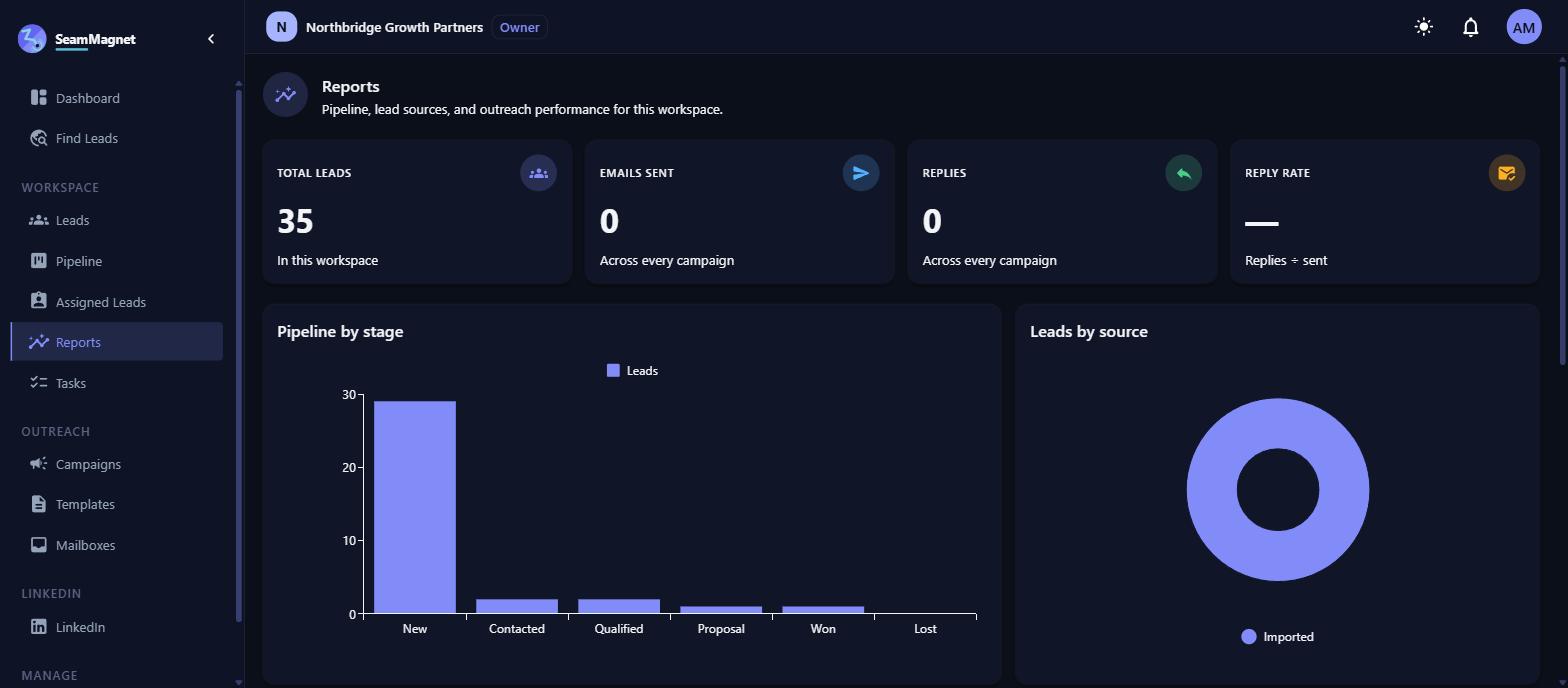
Once your org connects Zoho (see the Admin Guide), every teammate gets a SeamMagnet tab right inside Zoho CRM — same dashboard, same pipeline, same campaigns, signed in automatically with their Zoho account.
- No separate login screen inside the CRM tab
- The same leads, pipeline, and campaigns as app.seammagnet.com
Still have a question?
The Help Center has answers, or reach us directly at [email protected].